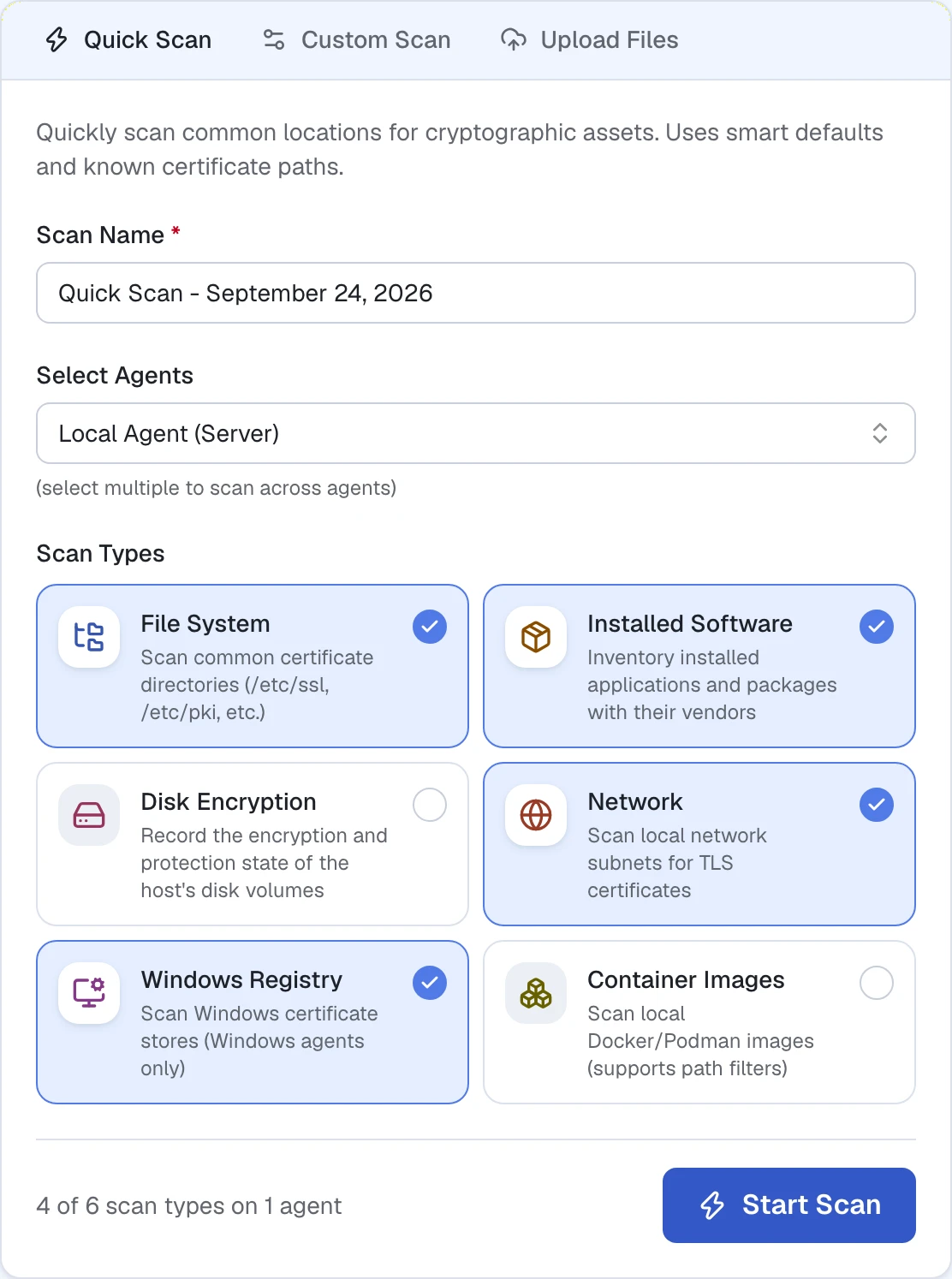
Unpack the release on a laptop, in a container or in a virtual machine. The embedded database needs no setup.
Production at scale
On servers, virtual machines or Kubernetes, backed by PostgreSQL. Several server instances share one database behind a load balancer.
Agents where you need them
Persistent, or ephemeral agents that run once and exit. All connect outbound; isolated segments hand over their results by file.
Remote discovery+
Start without an agent on every target.
Use network discovery from an authorized scan location to examine supported services. Bring the observations into Cryptoramic for inventory, analysis, and reporting.
You can also import supported files, traffic captures, and bills of materials. Remote observations and imports have a defined scope: they do not reveal every file or dependency inside a host.
Within your authorized scan scope
Supported servicesReachable network targets
Observations
Remote scannerAn authorized scan location
Findings
Inventory, analysis & reporting
Network access to the targets is required.
The scanner contacts supported services. Evidence flows back for analysis; an agent is not required on each target.
Run once, no installation+
Run once. Collect evidence. Exit.
Use an ephemeral agent when you need local evidence. It is a portable executable that runs once for an agreed target or profile, without installing a permanent service.
The agent exits when the run completes. For recurring collection, you can instead operate persistent agents that stay connected. Choose the model that fits your change process and the evidence required.
A one-time run on an authorized host
Start the agentSelf-contained executable
Run
Collect evidenceThe agreed target or profile
Complete
Agent exitsNo need to keep running
Handle the executable, output and any temporary files under your normal procedures.
A one-time run has a beginning and an end. A permanent installation or resident service is not required.
Disconnected & air-gapped+
Collect offline. Bring the evidence back later.
An offline agent scans its authorized targets without a connection to the Cryptoramic server. Keep collection inside the disconnected environment.
Transfer the resulting evidence bundle through your approved process, then import it into Cryptoramic for inventory, analysis, and reporting.
Disconnected environment
Offline agentAccess to authorized targets
Collect
Evidence bundleReady for approved transfer
Approved transfer
Import & analyze later
No server connection is needed during collection.
Collection and analysis can happen separately. The dashed connection represents a later transfer of evidence, not a live server connection.
For your security review
What your security review will ask.
Deployment and data-handling facts for an initial security review. Scope, permissions and disclosure settings are agreed before collection.
What Cryptoramic does
Cryptoramic shows which cryptography is present and in use in your environment, checks it against policy, and turns findings into prioritized actions, from certificate and configuration fixes to post-quantum preparation and supplier conversations. Active network scans, passive traffic analysis and inspection of file systems, images and repositories come together in one inventory in which every finding keeps its source.
Built to work with what you have
Keep your existing asset and security processes. Bring ownership and application information into the assessment, then export findings as CycloneDX; existing CycloneDX and SPDX files can be imported. Agree the required fields and workflow during scoping; a connector to a particular CMDB is not assumed.
Deployment+
Application
The application combines a web interface, inventory, policy evaluation and collection. Run a scoped assessment on one machine or connect separate agents for distributed environments.
Installation
Extract the release and run the component you need. An ephemeral agent can run once and exit without a resident service. Live packet capture has additional operating-system requirements.
Deployment models
Use a single-machine deployment for exploration and scoped assessments. Choose PostgreSQL from the start for a shared, persistent inventory. Offline agents write results for later import.
Scanner
Agents use the permissions of their account. File inspection, active network scanning and packet capture have different access and resource needs. Agree targets, permissions and scan windows with the system owner.
Capacity
Size the deployment for the sources, volume and retention you need. Start with a representative scan and review resource use before expanding.
Data and security+
Data location
Host the application and inventory on infrastructure you control. Inventory and exports may reveal hostnames, paths, software versions and relationships; protect access and choose explicitly what you share.
Keys
Cryptoramic discovers private and symmetric keys and records their metadata, location and fingerprint. The inventory describes the keys without retaining their secret values. Protect inventory files and exports as sensitive assessment information.
Storage
Protect the database, exports and temporary working files with suitable access controls and encrypted storage. Database and offline results are not encrypted at rest by default. Interrupted scans may leave temporary files requiring cleanup.
Transport
Agents initiate TLS connections to the application; no inbound management connection to an agent is required. Configure a certificate trusted by the clients and keep certificate verification enabled.
Connectivity
Offline collection needs no connection to the application during a scan. Disable network targets and discovery when the host must make no network connections. Plan reference-data updates and transfer results through an approved channel.
Capture prerequisites
Ordinary file inspection uses the selected account’s read access. Live capture may require Linux capture capabilities, administrator permissions on macOS or Npcap on Windows.
Vendor
Digitorus B.V., the Netherlands. Developed in the Netherlands.
A practical first step
Start with one scope that has an owner, such as a golden image, a container registry, one network segment or one critical application. Collect with the least privilege that works, review findings with the owner, fix what is local, ask suppliers about the rest, and rescan to verify. Then widen.
Datasheet
A practical brief for your technical review.
Share deployment options, data handling, reporting views and assessment steps with your security team, procurement lead or colleagues.
What Cryptoramic discovers and how findings keep their source
Deployment options, connectivity and data handling
Collection permissions, storage protection and offline operation
Security and deployment factsCryptographic Asset Discovery, Inventory & IntelligenceVersion September 2026 · PDF · A4
Check your inbox.
The datasheet link is on its way to the address you provided. If it does not arrive within a few minutes, check your spam folder or send another request.
Run Cryptoramic on your infrastructure or in your own cloud. Agree the source coverage, privileges, scan window, data handling, and transfer process before the first collection. In sensitive operational environments, start with approved evidence sources and validate the collection method with the system owner.
What remains on the system?
No permanent installation or resident service is required for an agent that runs once. The executable, output files, temporary working files, and operating-system records still need to be handled under your normal procedures. We do not promise that a scan leaves no trace.
What does offline collection require?
Network discovery still needs access to its targets; offline collection does not turn an active scan into a passive operation. Plan license and intelligence-update delivery separately for an isolated deployment.
Bring an application, network segment, or supplier question. We’ll discuss the evidence you need and a practical first assessment, directly or with a regional partner.